
Forms for the work you do
Inspections, permits, dayworks, waste transfer notes and more. Complete project records, capture signatures and download PDFs.
 CAPITAN PM
Interactive programmes. Project-specific RAMS. The forms, files and people behind every job — together in one construction management app.
Sign in to Capitan PMOn Android and in your browser. One account, the same projects.
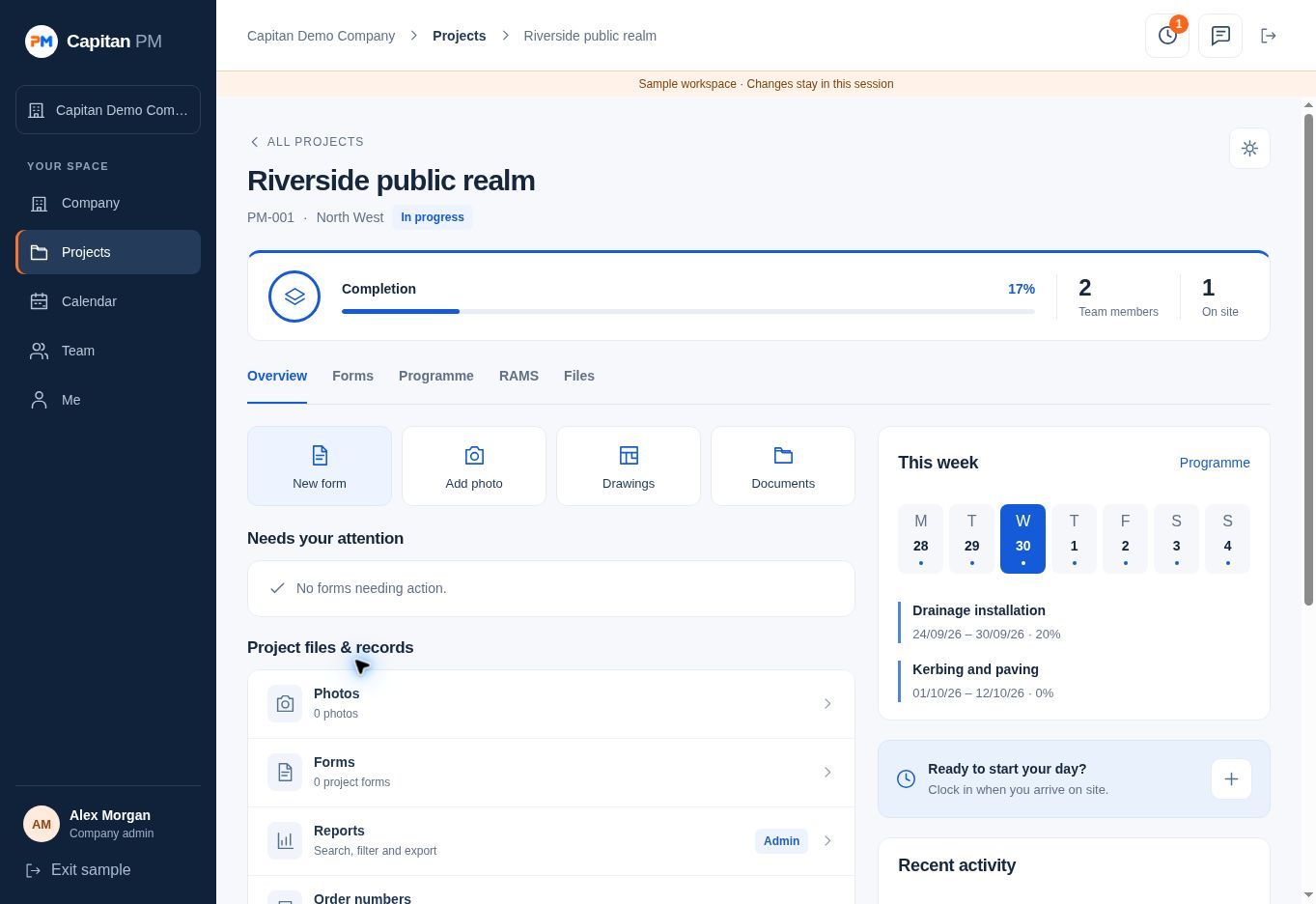
01 / INTERACTIVE PROGRAMMES
Build your sequence of work, set dates with the calendar and update progress as activities move forward. Project dates and overall completion follow the programme.
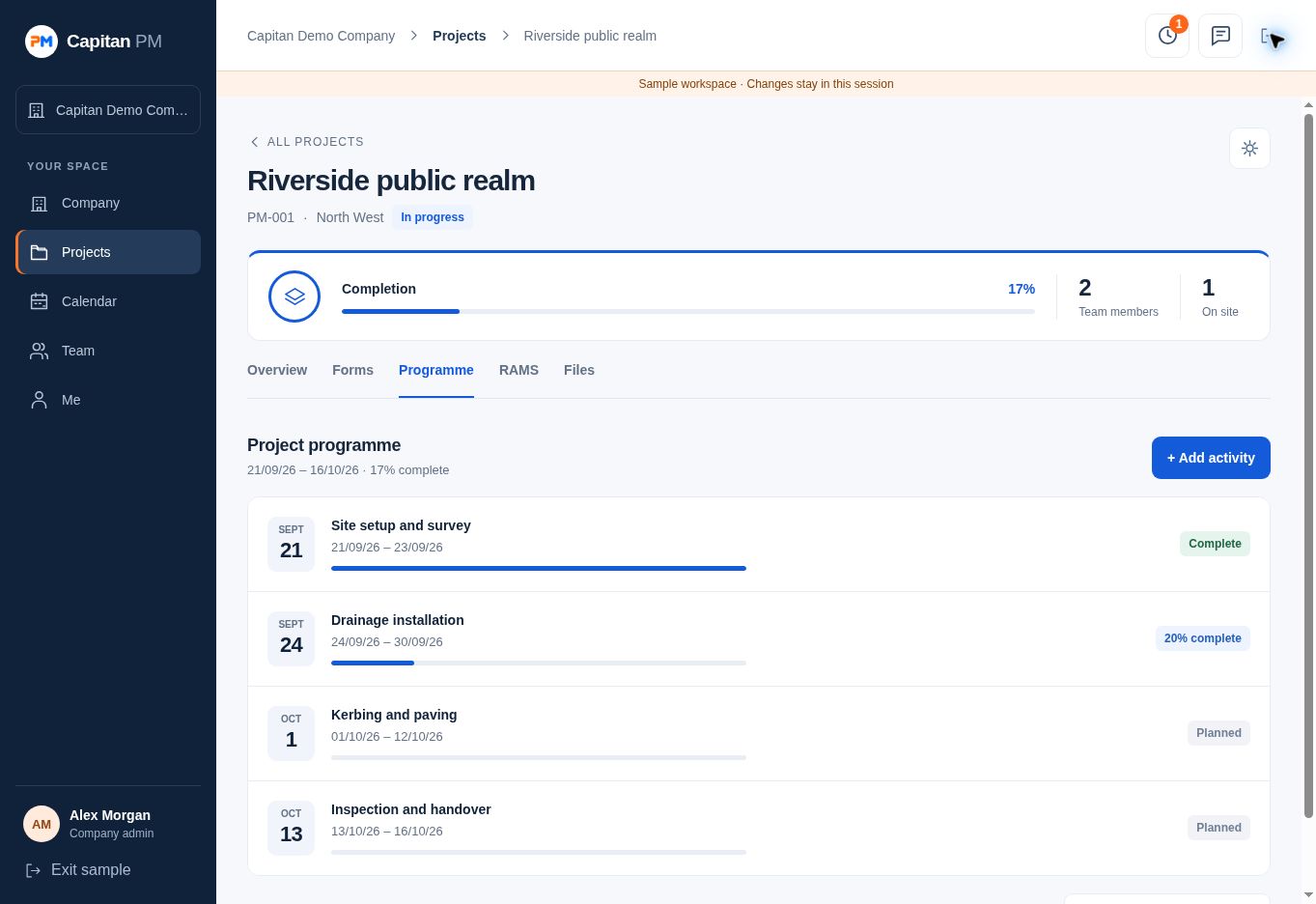
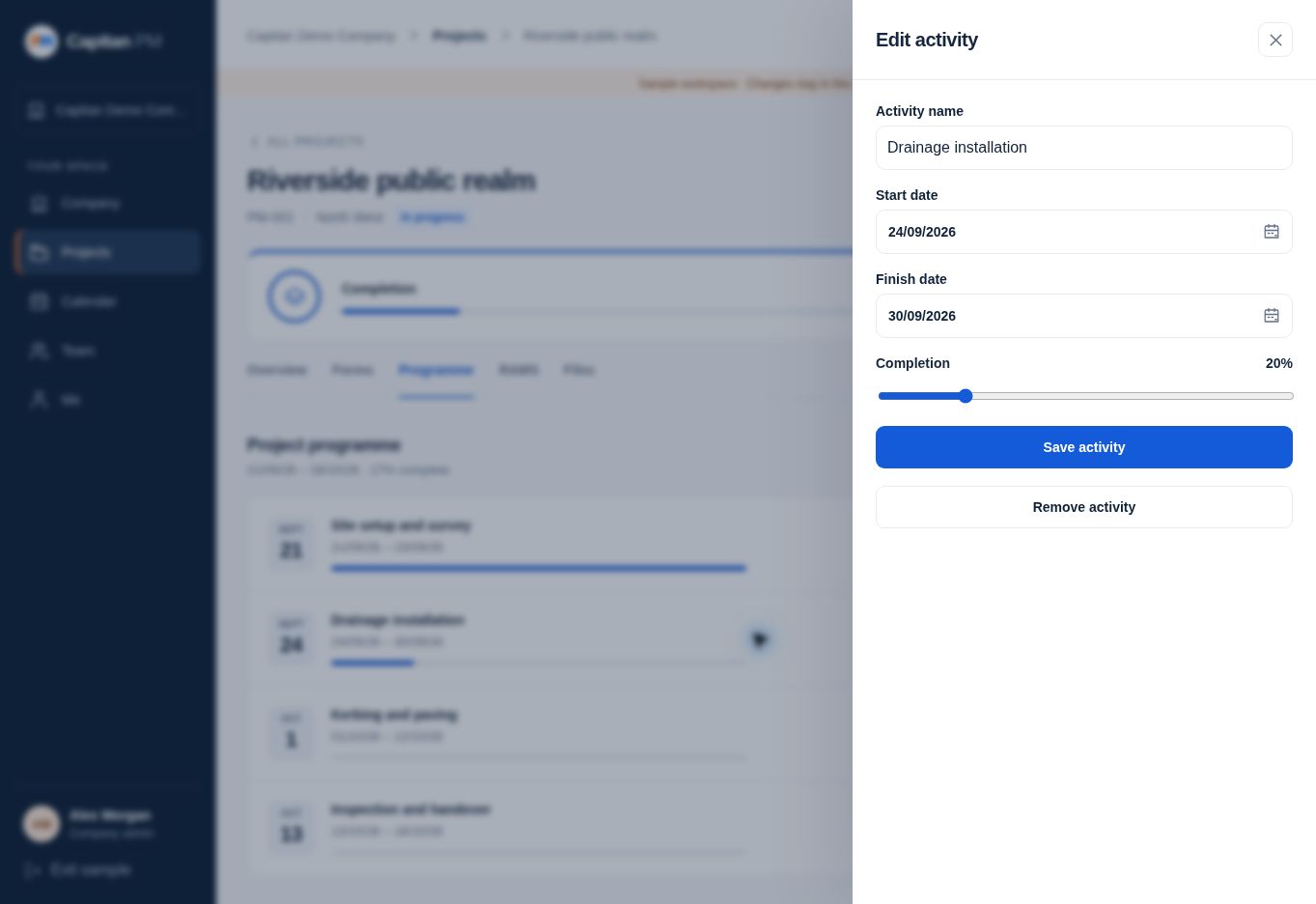 Open the activity editor screenshot
02 / INTERACTIVE RAMS BUILDER
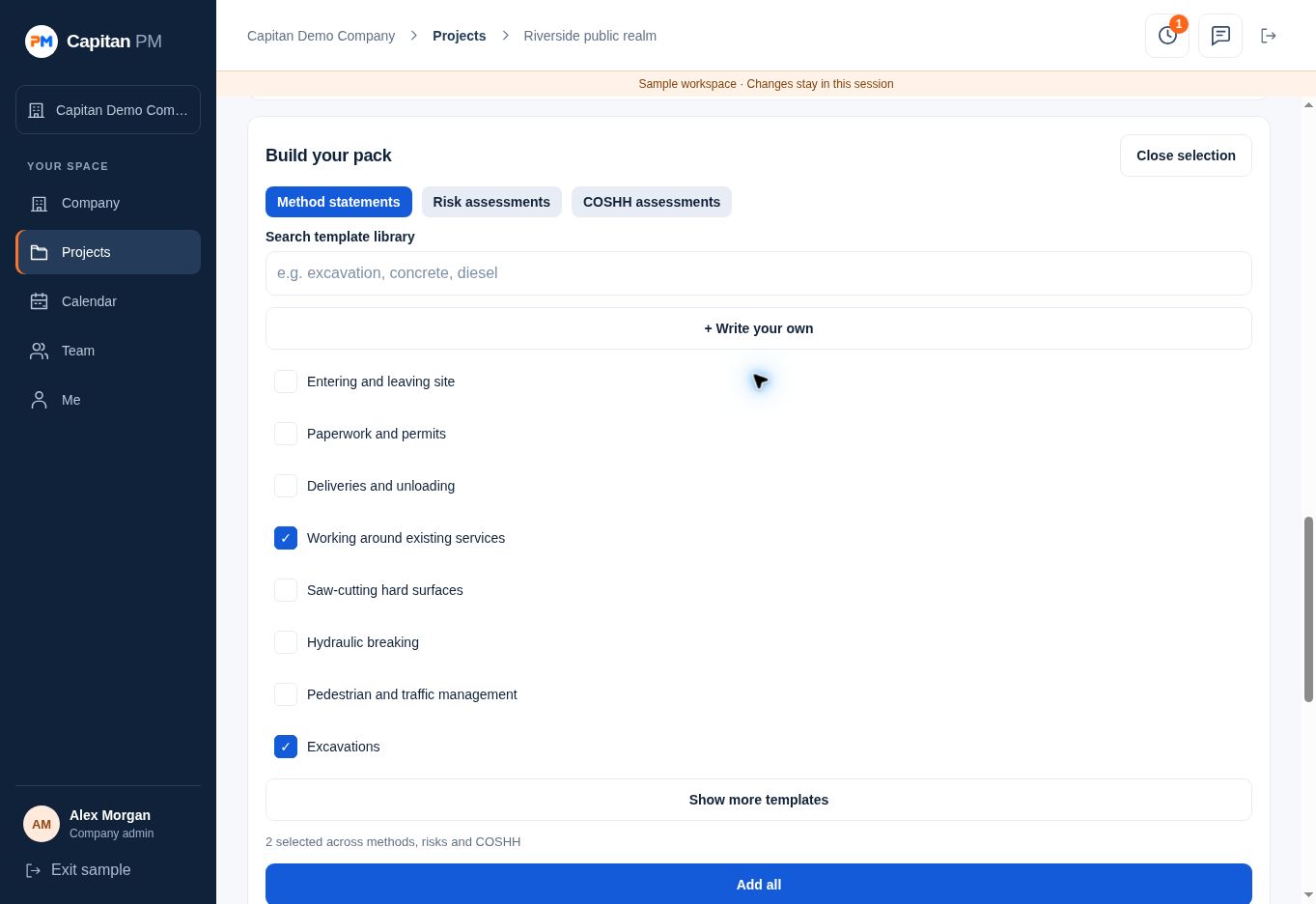
Bring method statements, risk assessments and COSHH assessments into one project pack. Start with pre-filled content, select several items at once and edit the detail to suit the work.
Keep revisions with the project. Record briefing signatures using the separate RAMS briefing sheet.
03 / THE REST OF THE WORKING DAY
From the morning clock-in to the final project record, keep the office and site working from the same information.
Inspections, permits, dayworks, waste transfer notes and more. Complete project records, capture signatures and download PDFs.
Keep photos, drawings and documents with the job. Organise folders and mark up drawings for the team.
Assign people to projects, manage profiles and approve leave. Admin and standard roles control access.
Clock in at project locations, add notes and let admins see who is on site and download timesheets.
Message colleagues directly, share files and keep project conversations together in admin-created groups.
Generate order numbers against the job, with supplier and order details recorded for admin reporting.
YOUR DATA & SECURITY
Capitan PM uses Supabase cloud infrastructure, with our primary database hosted in London, UK. Data is encrypted while stored and during transfer between the app and its servers.
Supabase is SOC 2 Type 2 compliant and ISO 27001 certified. These credentials apply to our infrastructure provider; Capitan Consult remains responsible for the app’s configuration and access controls.
CAPITAN PM / FROM CAPITAN CONSULT
Tell us about your projects, your people and how you work. We’ll discuss pricing and help you get set up.